Windows 10 / 11
One installer does everything — run it, pick a folder, done.
If Windows shows “protected your PC”, click More info → Run anyway. This is normal for new apps that aren’t code-signed yet.
Pick the file for your computer, then follow the steps below it.
One installer does everything — run it, pick a folder, done.
If Windows shows “protected your PC”, click More info → Run anyway. This is normal for new apps that aren’t code-signed yet.
No download needed — paste each line into the Terminal app and press Return.
curl -fsSL https://eazycli.com/workshop/install/01_workshop_setup.command | bash
curl -fsSL https://eazycli.com/workshop/install/02_run_vscode_terminal_folder.command | bash
Real dashboards made in this workshop from raw clinical data — just by chatting with the AI. A taste of what you'll create.
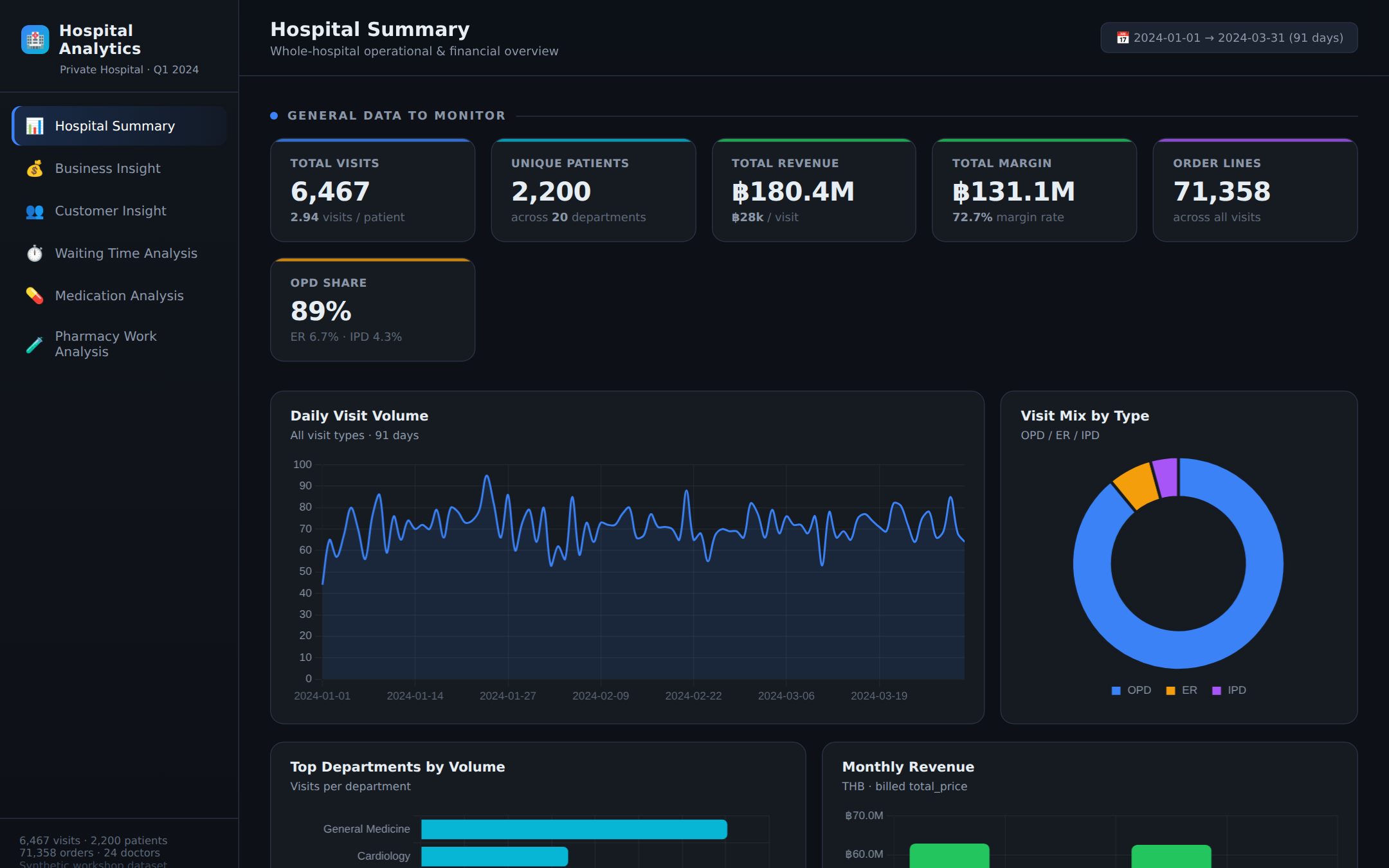
Executive hospital dashboard — KPIs, visit trends and revenue at a glance.
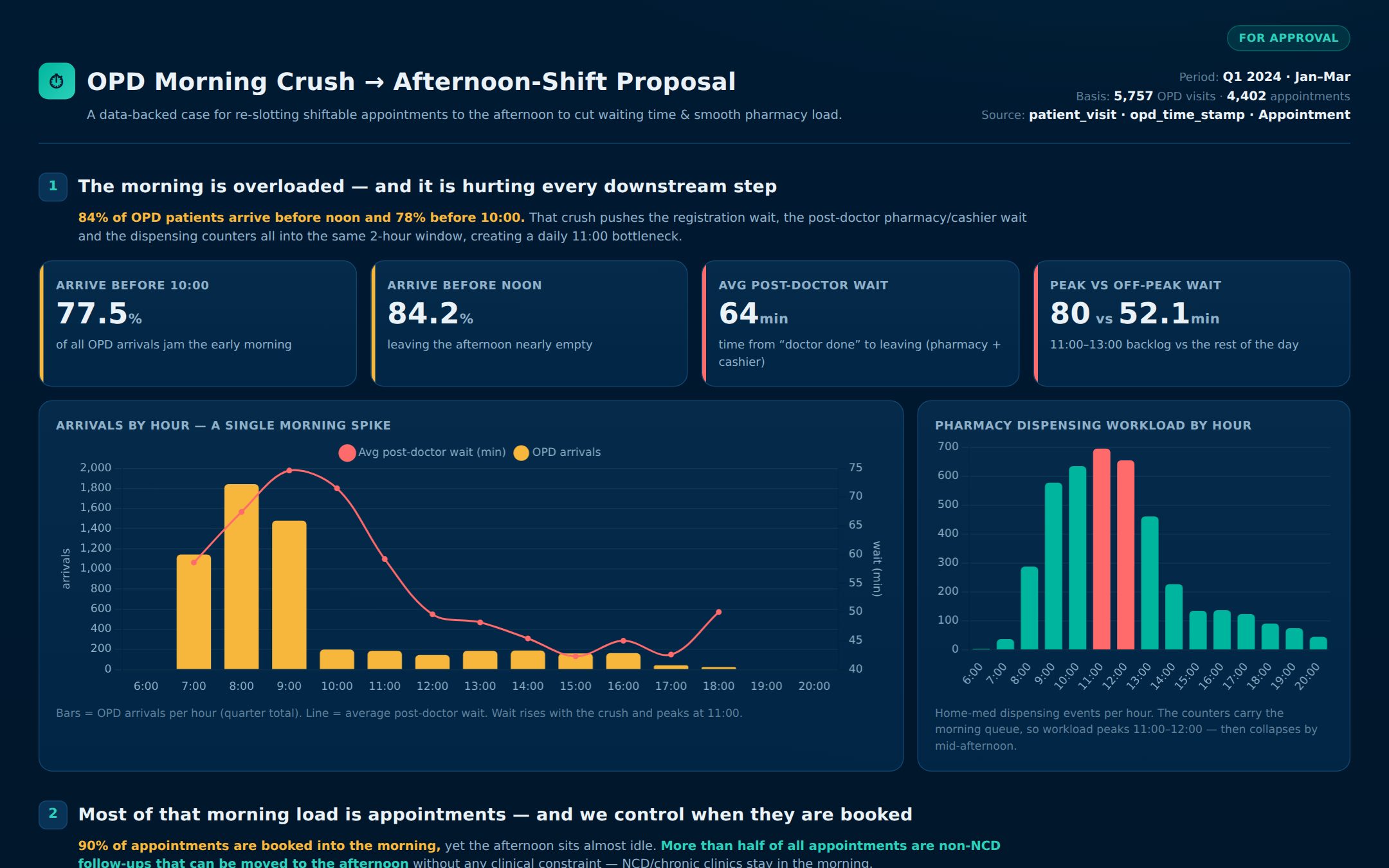
A data-backed proposal — finds the bottleneck and recommends a fix.
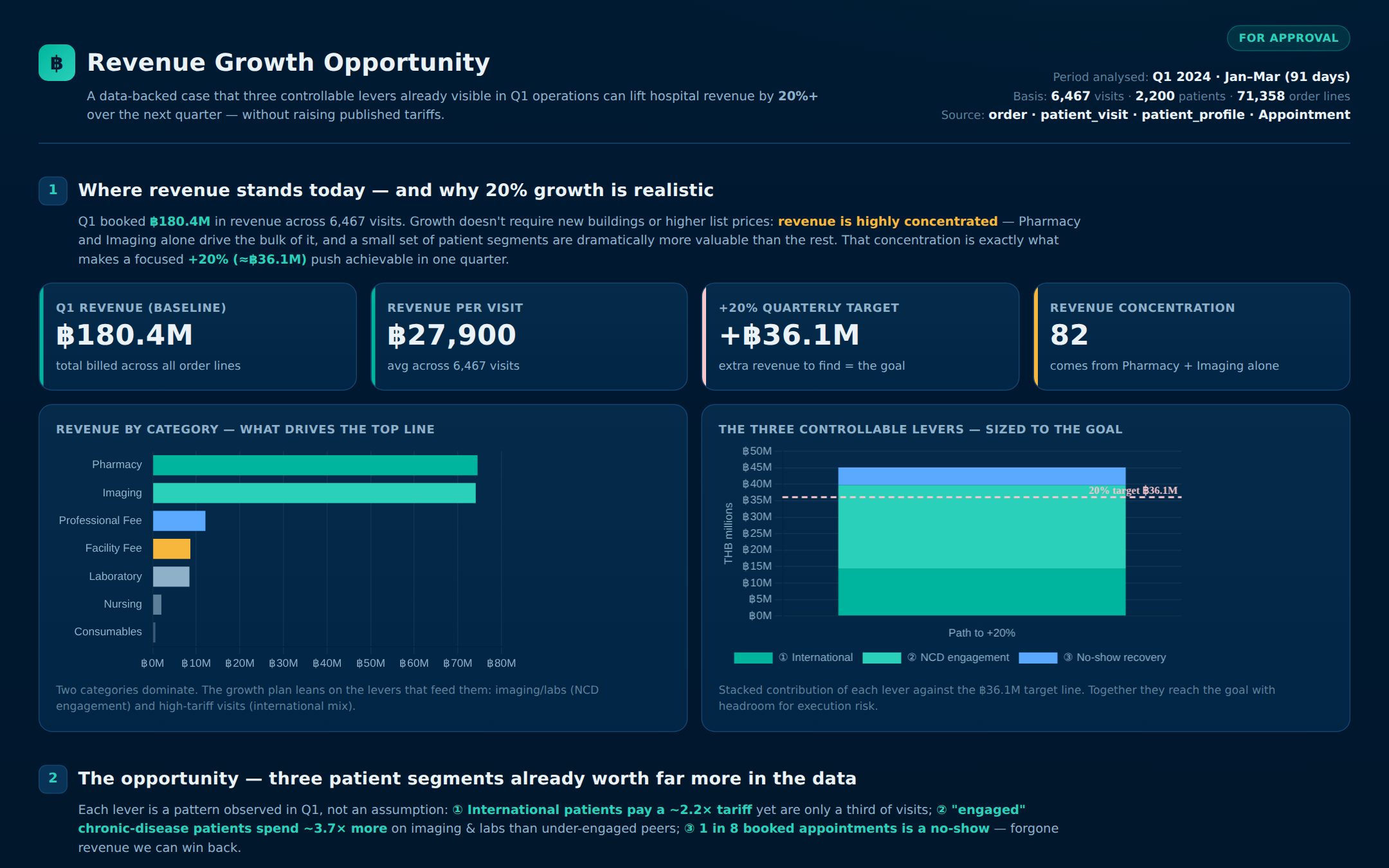
A revenue-opportunity story — segments the data and sizes the upside.
All three were built just by chatting with the AI — and any of these tools (Claude Code, Claude Co-work, or the Antigravity CLI) can produce results like these. The labels just show each tool in action.
PS: The script also installs Claude Code — type claude in the terminal instead of agy to use it.
Free account? Use Antigravity (agy) For free users we recommend the Antigravity CLI (the agy command) — it is less likely to hit usage limits than Claude Code.
Never used Gemini AI before? Activate Gemini with your Google account first — that same Google page is what the OAuth sign-in step uses.
Google’s agentic CLI (the "agy" command) — recommended for the workshop.
The code editor we use throughout the workshop.
pandas, NumPy, Matplotlib, scikit-learn, Jupyter and more — ready in a project virtual environment.
Downloads the eazycli-workshop-data folder (skills, sample data and scripts) with a ready-to-use Python environment inside.
The script asks before installing this. Without a paid Claude Pro plan you’ll hit usage limits very fast, so free users can skip it and just use "agy".
Installed into Documents/ai-test-project (inside a virtual environment):
Good to know The script is safe to run more than once — tools that are already installed are simply skipped. If any item shows "needs attention" at the end, it usually just means it was already installed. Need help? Ask the workshop host.